Your library. Without the paper chase.
Upload your band’s PDFs once, organized by song and instrument. Students open LyreLink on their phones—no loose pages to lose or flipbooks to leave at home.


For pep bands & marching bands
Pick a song on your phone.
Put it on every player’s phone.
The director selects a song. LyreLink sends it to every connected musician’s phone, with the right part for their instrument. No flipping through a hundred pages. No forgotten music folders.
Try it on three phones
Upload your band’s PDFs once, organized by song and instrument. Students open LyreLink on their phones—no loose pages to lose or flipbooks to leave at home.


Open the music library on your phone and tap Broadcast beside a song. That selection goes to everyone in the connected band—each on their own phone.
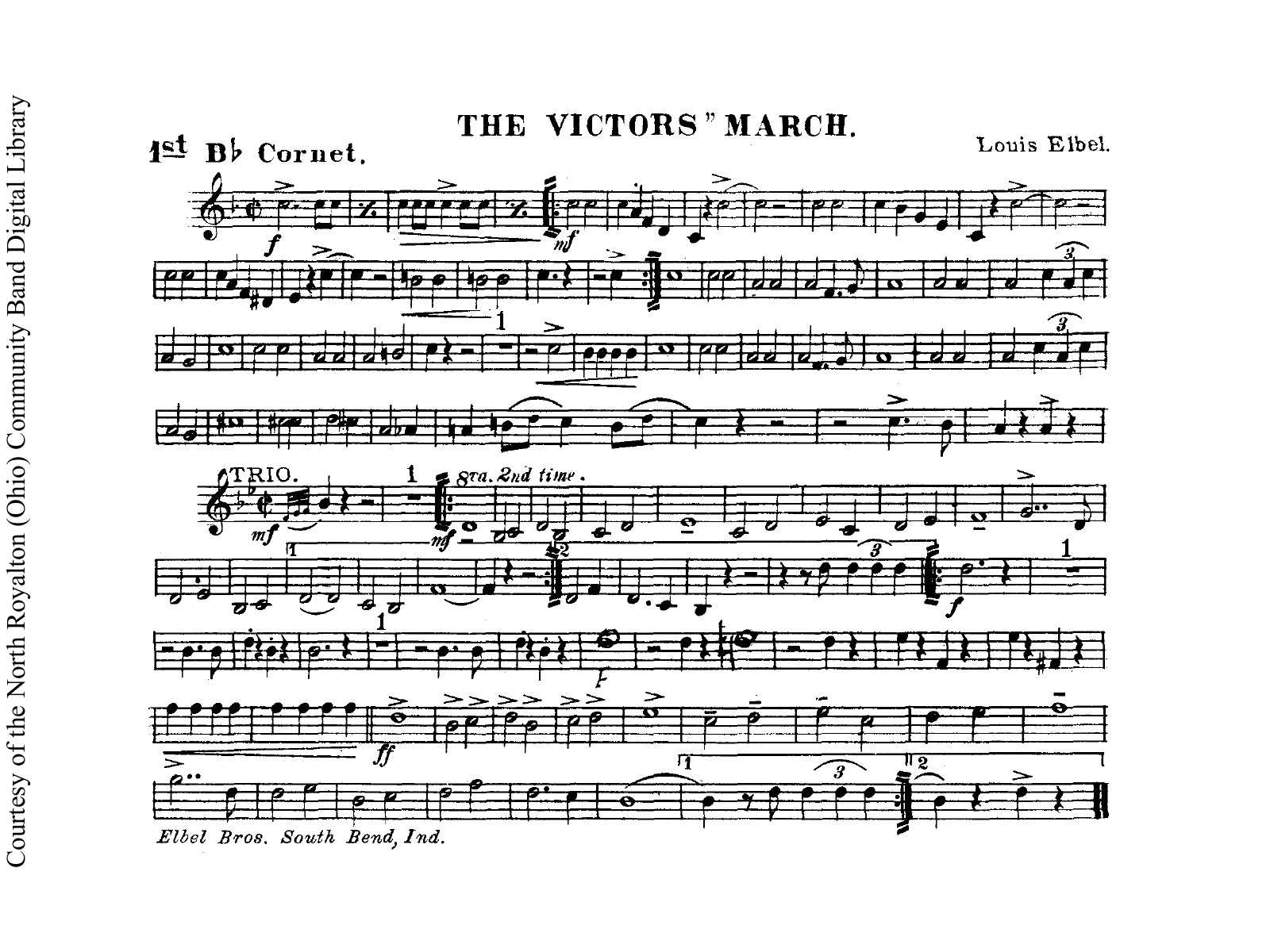
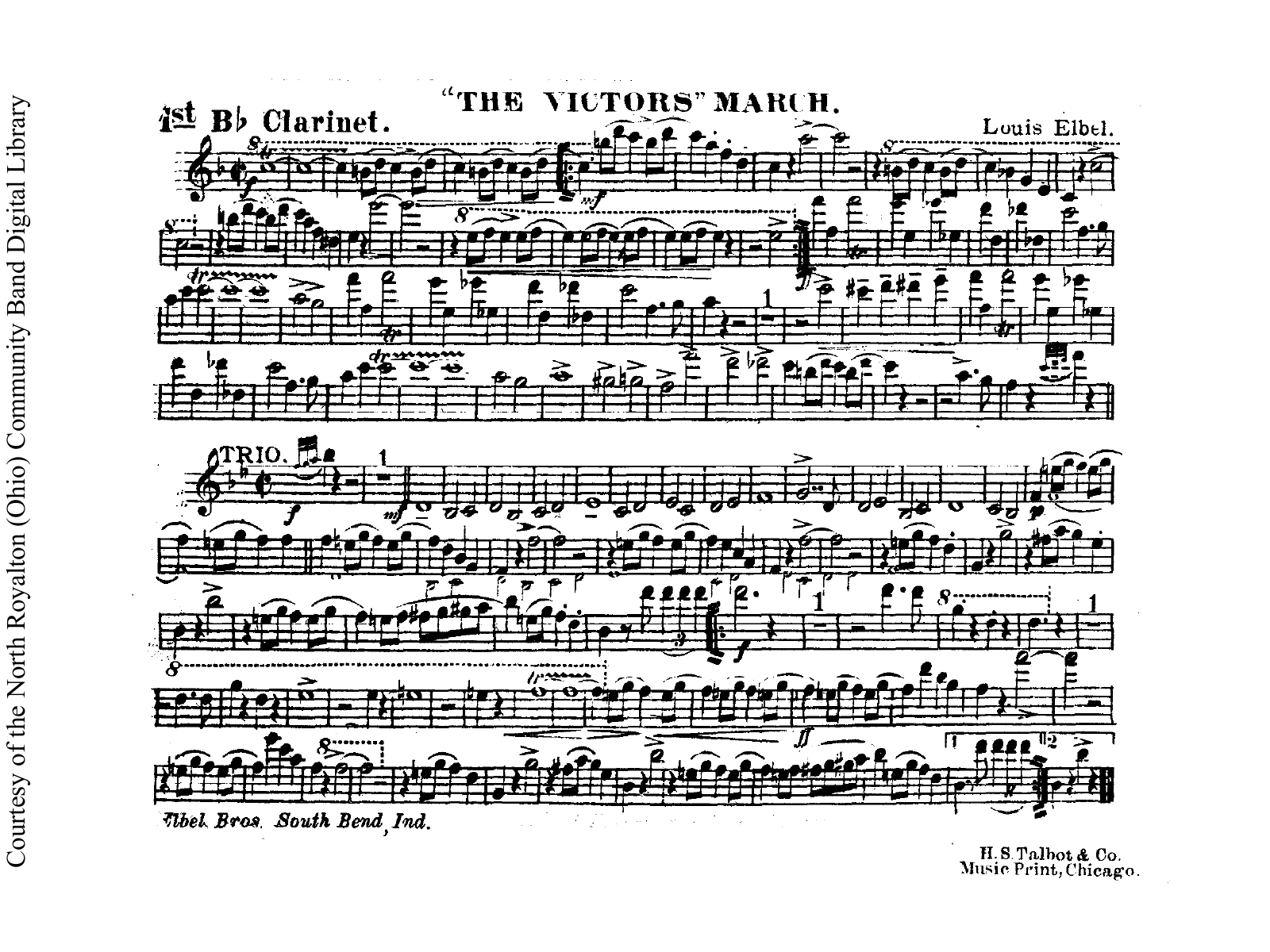
Louis Elbel · Arr. E. R. Schremser
Each musician joins your band and chooses their instrument. When you change songs, their phone shows the matching part. Cornet gets cornet. Clarinet gets clarinet. They’re ready for your count-off.

Choose any of the three songs on the director’s phone.
Watch both member phones change to their own instrument’s part.
This example runs in your browser. It isn’t connected to a band.
Interactive demo You’re the director.
Pick the next song for the band.
Tap Broadcast beside any song.
Each musician keeps their instrument choice when you change the song.
Interactive example of song selection · no live band connection.
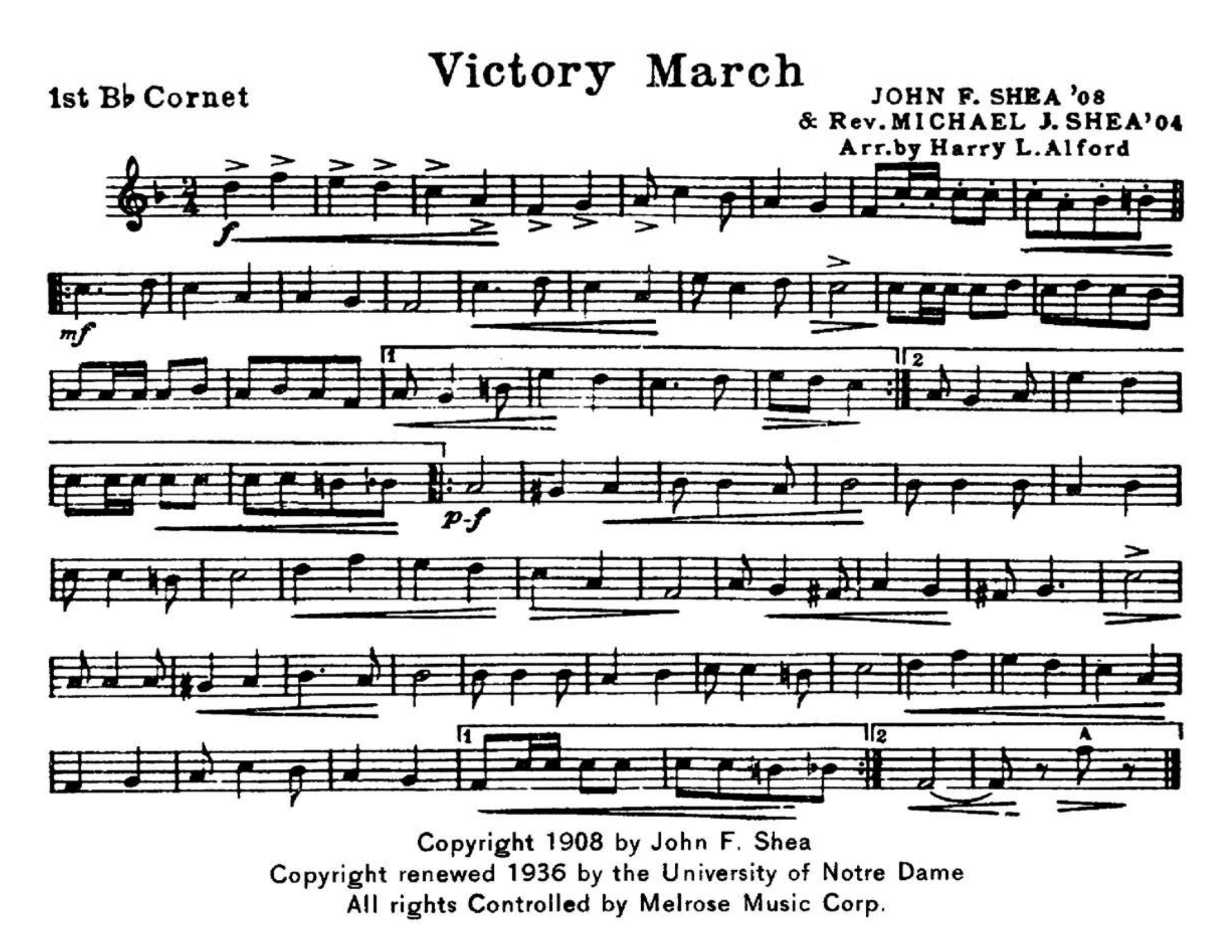
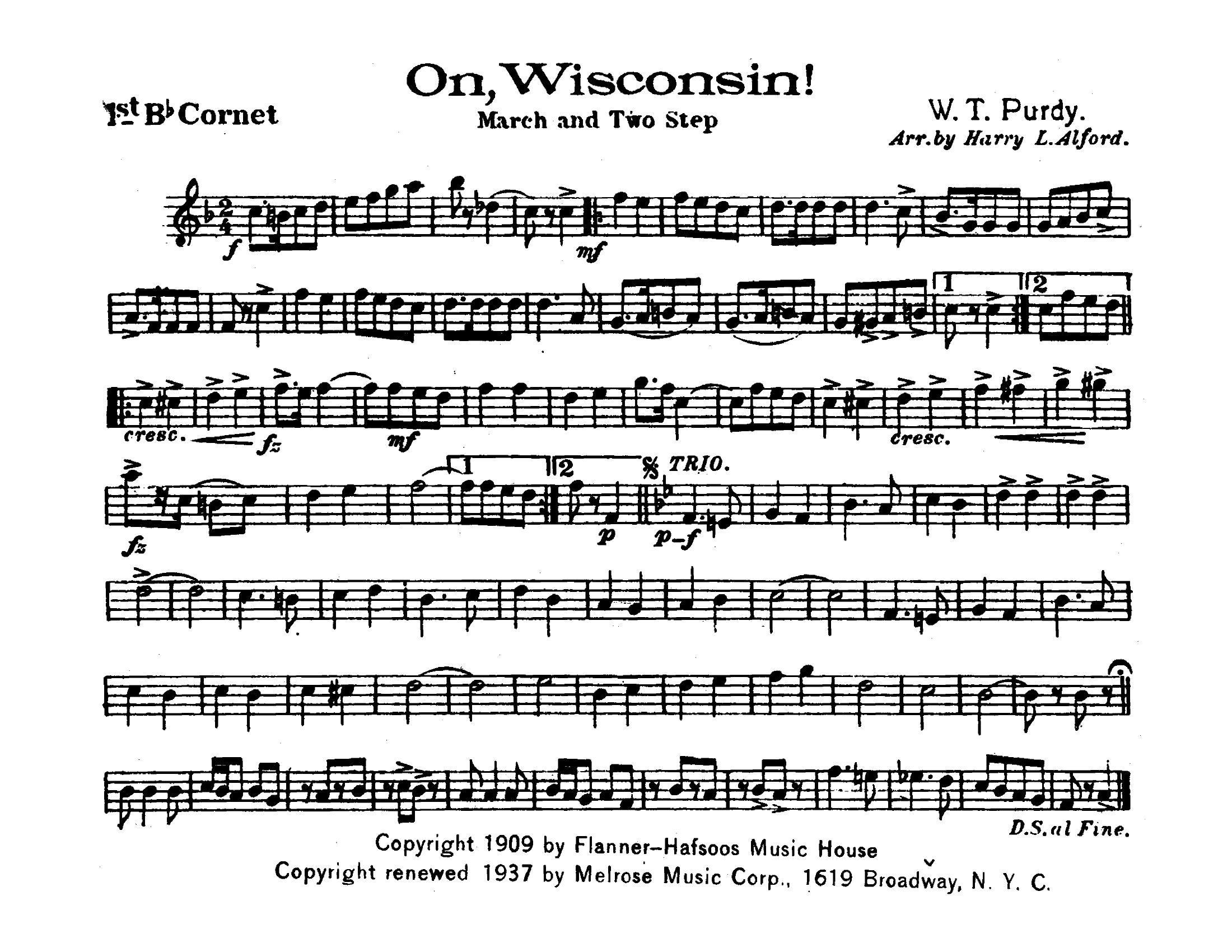
Music examples: The Victors March, Victory March and On, Wisconsin! Complete instrument pages from the supplied historical scores. Composer and publisher credits remain on each page.
Email info@lyrelink.com with a few times that work. We reply within two business days.
You get an invitation to sign in as director of our demo school, reserved for you alone during the appointment, and a join code for a second phone.
Call songs from one phone and watch the other switch to its part. Try setlists and LyreLock with the three historical marches shown above.
Uploading is turned off in the demo. Your access ends when the appointment does, and the demo school is reset before anyone else uses it.
When the director broadcasts a song, every phone following along switches to that player’s own part. A phone that drops off catches up to the current song when it reconnects.
Each phone saves its part for the current song and the next song in each setlist ahead of time. If the connection drops, the music on screen stays put, and new song changes arrive when the phone reconnects. Saved parts expire within a day.
A full-screen, scrolling view of the whole part that asks the phone to keep its screen awake through the song.
Plan the game in setlists. Whiteboard turns the director’s phone into a full-screen sign showing the current song, or a short title you set, for players reading from paper folders.
Upload a zip with one PDF per part, or one PDF containing every part. LyreLink suggests each part’s name, and you confirm them before anything is saved.
Assistant directors and section leaders can broadcast and line up songs, while adding and changing music stays with directors.
Musicians join with your band’s code. They don’t create accounts, and LyreLink never asks for their names, email addresses, or contact details. Student information isn’t sold or used for advertising.
PDFs are kept in private storage and sent only to your staff and to phones that joined with your band’s code, never through public links. Players can save the parts they’re sent, so keep your code within the band.
Each program gets its own web address, branding, and private music library. Sessions, storage, live updates, and the music saved on phones all belong to one school, and no school can see another’s.
Director and member screens are checked with automated accessibility tests, and parts of the app have been checked on an iPhone with VoiceOver. That review isn’t finished, so we don’t claim WCAG conformance yet. Known limitation: LyreLock’s controls hide after five seconds, which can be too quick for VoiceOver users.
Our Terms of Service and Privacy Policy are published as drafts, pending legal review.
To bring LyreLink to your program, or for help once you’re using it, email info@lyrelink.com.
Report a security or privacy concern to security@lyrelink.com.
Your program supplies its own PDFs. LyreLink organizes and displays them; it does not include a licensed music library.
A phone with a browser and a connection to your band. They join with your band’s code and choose their instrument. The director controls the song; each musician gets their own part.
Most students will also need a cell phone lyre to attach their phone to their instrument for a hands-free experience. Check with your local music retailer for options.
A member join code lets you read music, not open director tools. Staff use their school invitation account or a director/delegate access code, depending on how their school signs in.
At your school's LyreLink address, open Help and choose Director help for sign-in recovery.
Your band has its own LyreLink address. Use the link your director shared, or find your band’s address.
Your band has its own LyreLink address, and your director shares the link your musicians join with. This is the product site, not a school’s app, so there is no band to sign in to from here.